In-app surveys for mobile and web products

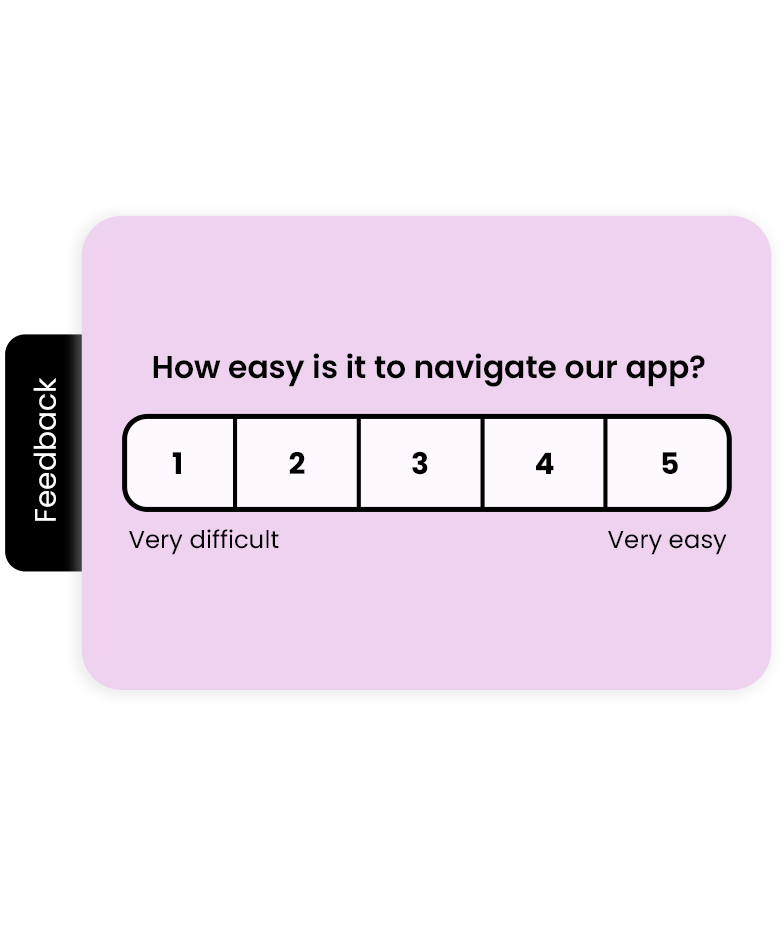






Ask inside the product, right after the thing you want to learn about
Answers arrive with the screen attached
You know which flow, which version and which device the opinion came from, so a report is a concrete fix, not a mood.
Nobody leaves the app
One or two questions on the screen someone is already using. No mailbox, no browser, no lost session.
You know who answered
The response carries the account, the plan and the attributes you already send us, so you can go back to that user with an answer.
The moments worth asking about
After onboarding
Check whether the first steps were clear while the impression is a few minutes old.
After a purchase or an upgrade
Measure satisfaction with the decision and catch what almost stopped it.
After using a new feature
Find out whether what you shipped solves the problem it was meant to solve.
After a failed action
A payment that did not go through or an error screen is the shortest path to a real usability problem.
After a support conversation
A CSAT question straight after the chat, without a separate email that arrives the next day.
Before cancelling
Ask about the reason at the moment of the decision, when the answer is still specific.
It looks like part of your app, not like a page in a frame
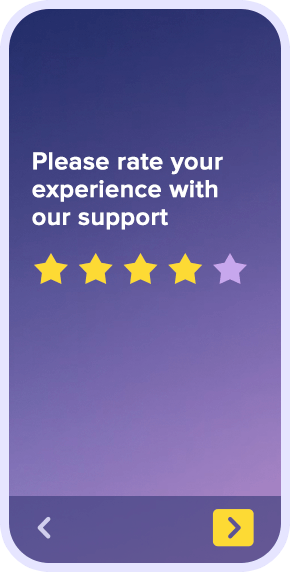
The survey renders through a native SDK, so it uses your fonts, colours and rounding, and it opens with the animation your users know. A single integration covers iOS, Android and cross-platform frameworks.
Native SDK for iOS and Android
React Native and Flutter with one integration
Your fonts, colours and rounded corners
Full screen, a card or a slide-in at the bottom
Works on phones and tablets, in portrait and landscape
Every answer with the user attached
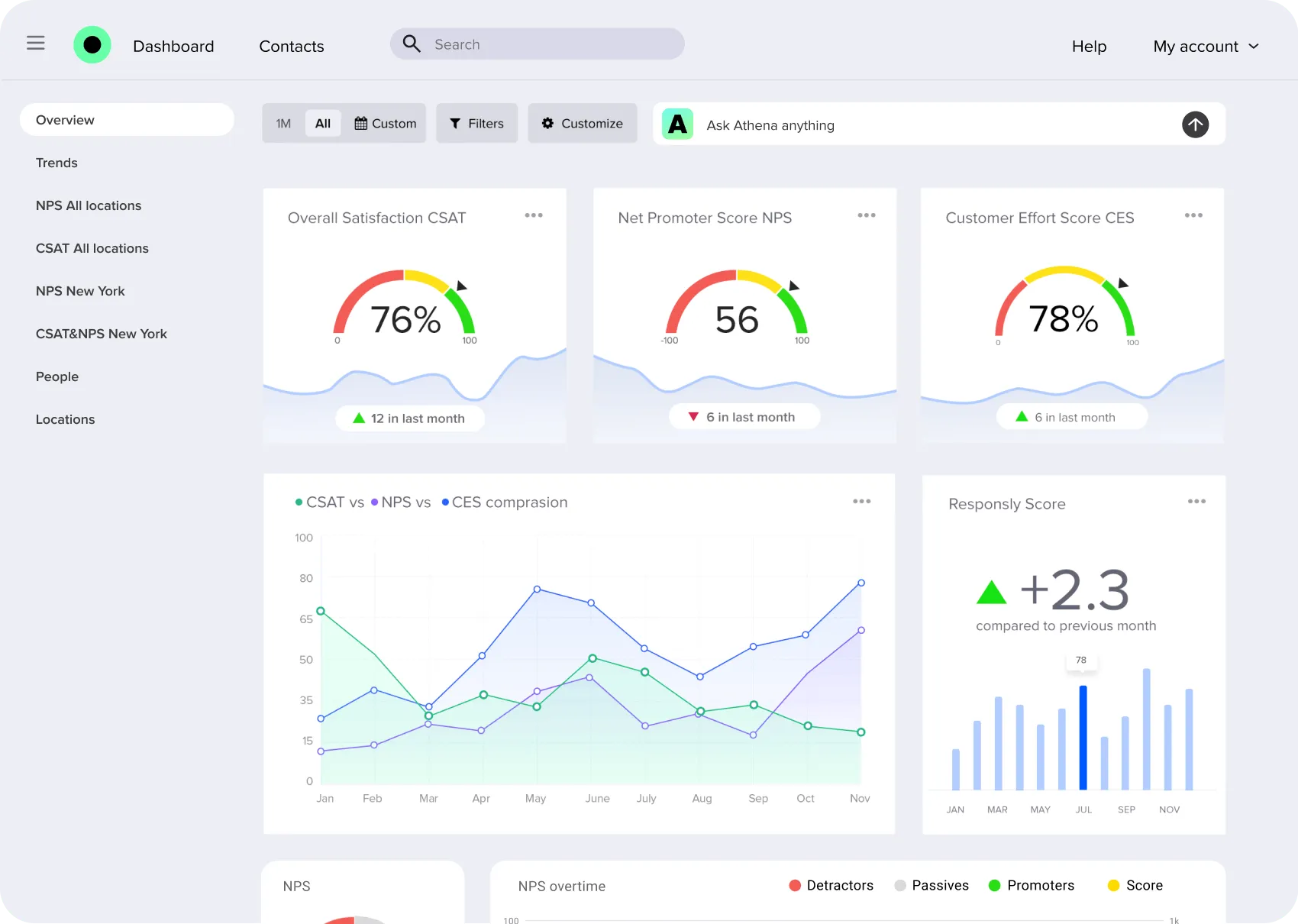
Send us the account identifier and the attributes that matter — plan, tenure, lifetime value — and every response arrives with them. Results land in the same dashboard as the rest of your feedback, next to NPS, CSAT and CES from other channels, and travel further through integrations with your CRM and analytics.
User identification and your own attributes
Targeting by plan, cohort or segment
Frequency capping across all in-app surveys
NPS, CSAT and CES measured inside the product
Reports shared with the rest of your feedback
We automated the process of monitoring every aspect of the product experience.

Tom Groenewald
Product Experience Manager
In-app survey features
Native iOS and Android SDK
Surveys render as part of the app, not as a web page in a frame
React Native and Flutter
One integration for teams building on cross-platform frameworks
Event triggers
Ask right after a purchase, an upgrade or a failed action
Audience targeting
Reach a plan, a cohort or a single segment of your users
Native look and feel
Fonts, colours and rounding follow your app, not our defaults
Frequency capping
Set how often one person can be asked anything at all
User identification
Tie every answer to the account you already know
User attributes
Send plan, tenure or lifetime value along with the response
NPS, CSAT and CES in the app
Standard metrics measured where the experience happens
Hide after answer
Once someone responds or dismisses, the survey stays away
Privacy by design
No tracking of screens you have not chosen, data stored in the EU
Real-time reports
Results land in the same dashboard as the rest of your feedback