Table of contents
Website survey questions are the prompts you show directly on your site—via popup, slide-in, embedded widget, or on-page form—to collect visitor feedback in the moment. This guide is for product, marketing, and CX teams who want feedback they can act on, not a generic template. You’ll get the 15 best all-purpose questions, then the specific questions to ask by site type (e-commerce, SaaS, product pages, content sites, B2B) and by placement (popup, embed, exit-intent)—because the right question changes depending on what a visitor is trying to do. Want to launch fast? Run these with website surveys that target visitors by URL or behavior.
What is a website survey, and why it matters
A website survey is an interactive tool that collects feedback and opinions from visitors while they’re on your site—using formats like multiple choice, rating scales, and open-ended questions. Unlike sending people to an external form, on-site surveys capture in-the-moment reactions to your content, design, functionality, and overall user experience.
Website surveys are valuable because they:
- Surface direct feedback — visitors tell you their preferences, pain points, and what to fix.
- Explain behavior — targeted questions reveal why people navigate the way they do, not just what they clicked.
- Catch issues and opportunities — usability bugs, content gaps, and unmet needs you’d otherwise miss.
- Enable segmentation — tailor content and messaging to specific visitor groups based on their answers.
- Measure satisfaction — track how well your site meets expectations over time.
The trick is that a “good” website survey question is never universal—it depends on who’s visiting, what page they’re on, and what they came to do.
The 15 best website survey questions
These 15 questions work as a starting library across almost any site. Pick a few per survey—never ask all of them at once.
- How did you find our website? — reveals your most effective acquisition channels.
- What brought you here today? — captures visitor intent so you can match content to need.
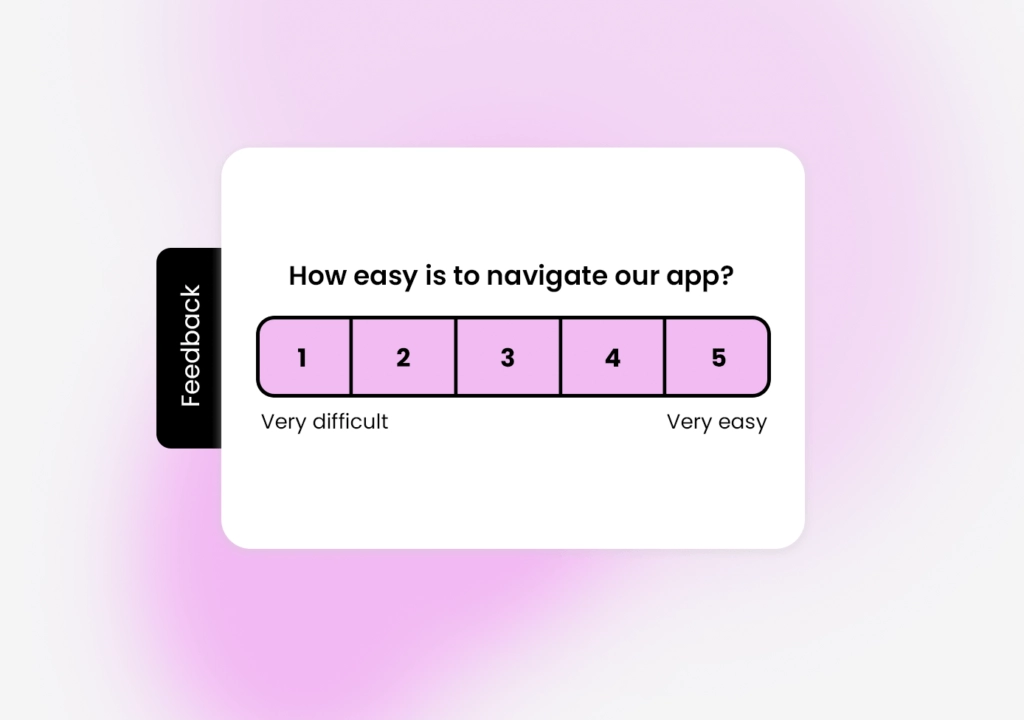
- On a scale of 1–10, how easy was it to find what you were looking for? — a quick Customer Effort Score read.
- Which features or content do you find most valuable? — shows what to double down on.
- What would you improve on our website? — open-ended, surfaces pain points you can’t guess.
- Did you run into any problems? If so, what? — pinpoints usability and technical issues.
- How often do you visit? — gauges engagement and returning vs. new behavior.
- What device are you using? — informs mobile vs. desktop optimization.
- Would you recommend us to others? — a simple NPS loyalty signal.
- What almost stopped you from taking action today? — uncovers conversion blockers.
- What topics would you like more content about? — feeds your content roadmap.
- How satisfied are you with the site’s speed? — flags performance problems.
- Did you complete what you came to do? If not, why? — the single most useful conversion question.
- Is anything missing from this page? — contextual, best asked as an on-page widget.
- How would you rate your overall experience? — an overall satisfaction benchmark to trend over time.
For help wording and formatting these, see survey question types and how to ask good survey questions.
Best website survey questions by site type
This is where most guides stop short. A visitor to an online store has a completely different goal than someone in a web app, so your questions should differ too. Below are the questions that actually earn their place on each type of site.
E-commerce store
Shoppers are goal-driven and price-sensitive—focus on findability, trust, and checkout friction. This is where a well-timed exit-intent popup recovers abandoning carts.
- “What almost stopped you from completing your purchase?”
- “Was the product information (photos, sizing, reviews) enough to decide?”
- “How easy was checkout on a scale of 1–5?”
- “What else would you have liked to see before buying?”
Case: an exit-intent survey on the cart page reveals that unexpected shipping cost is the #1 abandonment reason—so you test free-shipping thresholds. Great fit for retail teams.
SaaS and web apps
Inside a product, feedback is about clarity, friction, and value—not marketing. Use in-app surveys so questions appear at the exact moment of confusion or success.
- “How easy was it to complete [this task] today?” (a CES question)
- “What were you trying to do when you got stuck?”
- “Which feature would make Responsly more useful for you?”
- “How would you feel if you could no longer use this product?” (product-market-fit signal)
Case: an in-app survey triggered after a failed action shows users can’t find export settings—driving a navigation fix that cuts support tickets. Ideal for product teams.
Product and landing pages
Here the goal is conversion, so ask what’s blocking the next step—ideally as a slide-in before the visitor bounces.
- “Is there any information missing that would help you decide?”
- “What’s holding you back from signing up today?”
- “Was this page clear about what we offer?”
- “What nearly made you leave this page?”
Case: a slide-in on a pricing page surfaces that visitors don’t understand a plan limit—so you rewrite the copy and lift conversions. Useful for marketing teams.
Content, blog, and media sites
Readers care about relevance and depth. Ask on-page, after they’ve had time to read.
- “Did this article answer your question?”
- “What topic should we cover next?”
- “How did you discover this content?”
- “Was anything unclear or missing?”
Case: an on-page widget on your top blog posts feeds a data-driven content roadmap based on real reader requests.
B2B and lead-generation sites
Visitors are researching and comparing—help them and qualify them at once.
- “What’s the main problem you’re hoping to solve?”
- “What information would help you evaluate us?”
- “Which alternatives are you comparing us against?”
- “What would make you request a demo?”
Case: a survey on high-intent pages reveals prospects need a specific integration confirmed before booking—so sales adds it to the demo script.
Where the survey appears changes the question
Even the perfect question fails if it fires at the wrong moment. Match placement to intent:
| Placement | Best for | Example question |
|---|---|---|
| Popup / slide-in | Grabbing attention, quick intent checks | ”What brought you here today?” |
| Exit-intent popup | Recovering abandonment | ”What stopped you from finishing?” |
| Embedded / on-page widget | Contextual feedback on a specific page | ”Is anything missing from this page?” |
| In-app survey | Feedback during a task | ”How easy was this to complete?” |
| Post-purchase / post-action | Measuring satisfaction & loyalty | ”How likely are you to recommend us?” |
With website surveys you can target any of these by URL, traffic percentage, or visitor behavior—and see the step-by-step embedding guide to add a widget in minutes.
Turn website feedback into action
Collecting answers is only half the job—the value is in acting on them. A few essentials:
- Keep on-site surveys to 1–3 questions so you don’t interrupt the visit; save deep questionnaires for email.
- Measure the right metrics: pair a satisfaction (CSAT) question with NPS and, for tasks, a Customer Effort Score.
- Analyze open-ended answers at scale — with Athena, Responsly’s AI reads free-text responses, clusters them into themes, and tags sentiment automatically.
- Close the loop — route feedback to the right team and follow up; see the closed feedback loop playbook.
Responsly brings this together as a customer experience platform: collect with website surveys and popups, centralize everything in feedback collection, and analyze it in feedback analytics.
Conclusion
The best website survey questions aren’t a fixed list—they change with your site type and where the survey appears. Start from the 15 above, tailor a few to your visitors’ actual goals, keep each survey short, and place it at the right moment. Do that consistently and website feedback becomes one of your fastest paths to a better user experience and higher conversions.
Ready to start? Create a free Responsly account and launch your first website survey today.
FAQ
What is a website survey?
What are the best website survey questions to ask?
Do website survey questions change by site type?
Should I use a popup or an embedded website survey?
How many questions should a website survey have?
Tagged in
Last updated