Table of contents
- What is a customer feedback email?
- Why customer feedback emails matter
- Anatomy of a high-converting customer feedback email
- 5 survey question types you can embed in a feedback email
- Customer feedback email types by use case
- 5 customer feedback email templates
- Real-world customer feedback email examples
- Best practices to improve response rates
- How Responsly helps you send better feedback emails
- Summary
A customer feedback email is a message sent to customers asking for their opinion on a product, service, or recent interaction — and the best ones embed the first question directly in the email so people can answer in a single click. This guide is for customer experience, support, product, and marketing teams who want feedback emails that customers actually finish. You’ll get the anatomy of a high-converting feedback request, the five survey question types you can embed in an email, a comparison of feedback email types by use case, five ready-to-edit templates, and real examples from Airbnb, National Express, and Notion.
What is a customer feedback email?
A customer feedback email is a communication sent by a business to customers requesting their opinions on products, services, or their overall experience. It can be a one-click rating embedded in the message body, a short email survey, or a simple call-to-action button that opens a full questionnaire.
These emails cover everything from product quality and delivery to customer service performance and overall customer satisfaction. Used consistently, they are one of the cheapest, fastest ways to feed a closed feedback loop — spotting friction early, finding promoters, and informing product decisions before a problem shows up in your churn rate.
Why customer feedback emails matter
The primary goal of customer feedback emails is to gain actionable insights, but their value goes well beyond data collection:
- Higher response rates than standalone forms. An embedded first question removes friction, so more customers reply.
- Earlier detection of problems. Low scores trigger follow-up before a frustrated buyer leaves a public review or requests a refund.
- Stronger relationships. Asking for input — and acting on it — shows customers their voice matters, which lifts loyalty and retention.
- Better product and service decisions. Feedback highlights exactly where to invest, from checkout to onboarding to support.
For more on the bigger picture, see our guide to getting feedback from customers effectively.
Anatomy of a high-converting customer feedback email
Every element of a feedback request — from subject line to call-to-action — affects whether the message gets opened, read, and answered. Here is what to focus on.
- Compelling subject line. Keep it under 50 characters and direct. “How was your experience with [Company]?” or “Quick question about your order” outperform vague lines like “We value your feedback.”
- Supporting preheader. The grey preview text after the subject is a second hook — use it to set the time commitment (“Takes 10 seconds”).
- Embedded first question. This is the single biggest lever. Put a rating scale or smiley in the body so the customer answers in one tap; only then send them to the rest of the survey.
- Brief, focused copy. Aim for 100-150 words. One sentence of context, the question, and a thank-you. People skim, so make it scannable.
- Clear call-to-action. Use benefit-oriented language: “Rate your experience,” “Share your feedback,” “Answer one quick question.”
- Personalization. Reference the customer’s name and the specific product, order, or interaction so the request feels relevant, not mass-blasted.
Tip: Make sure your feedback tool captures partial responses. Many respondents answer the embedded question and then drop off — you still want that first data point.
5 survey question types you can embed in a feedback email
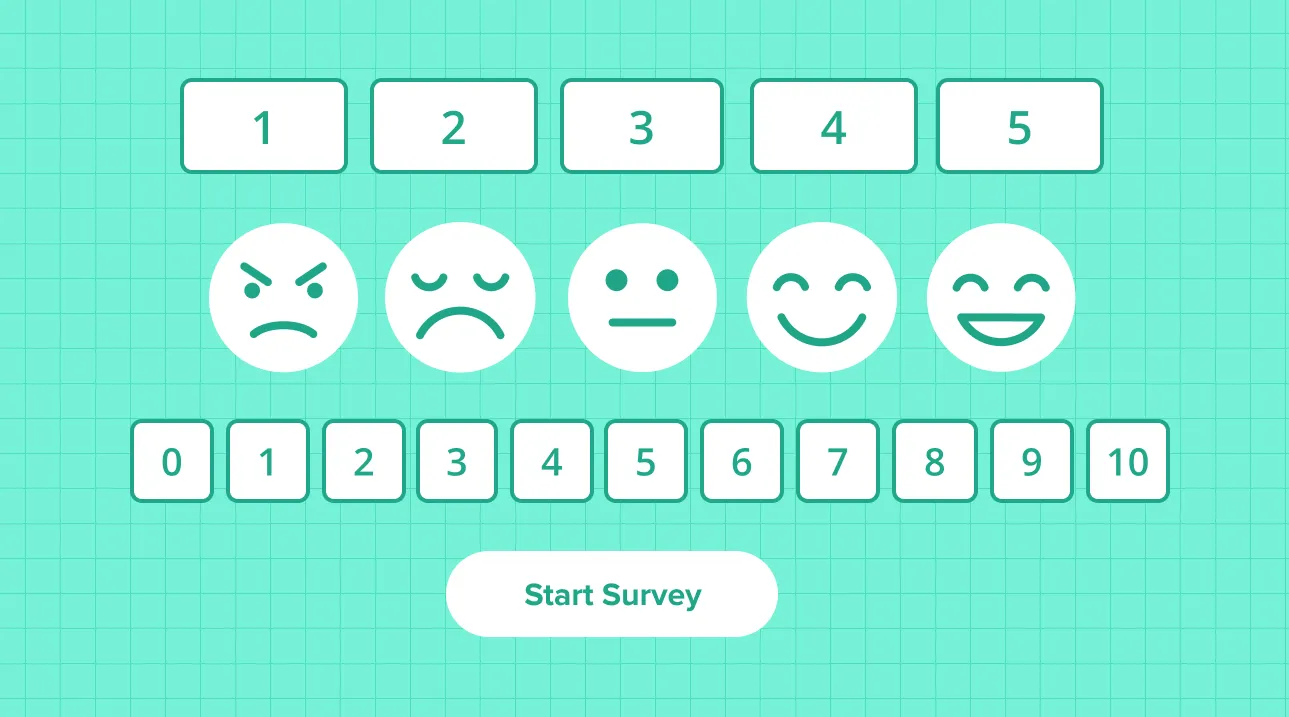
The format of your embedded question changes both how it feels and what it measures. Below are the five most effective formats, each built with our free Customer Feedback Email Generator — so you can recreate any of them in minutes and copy the HTML into your email platform.
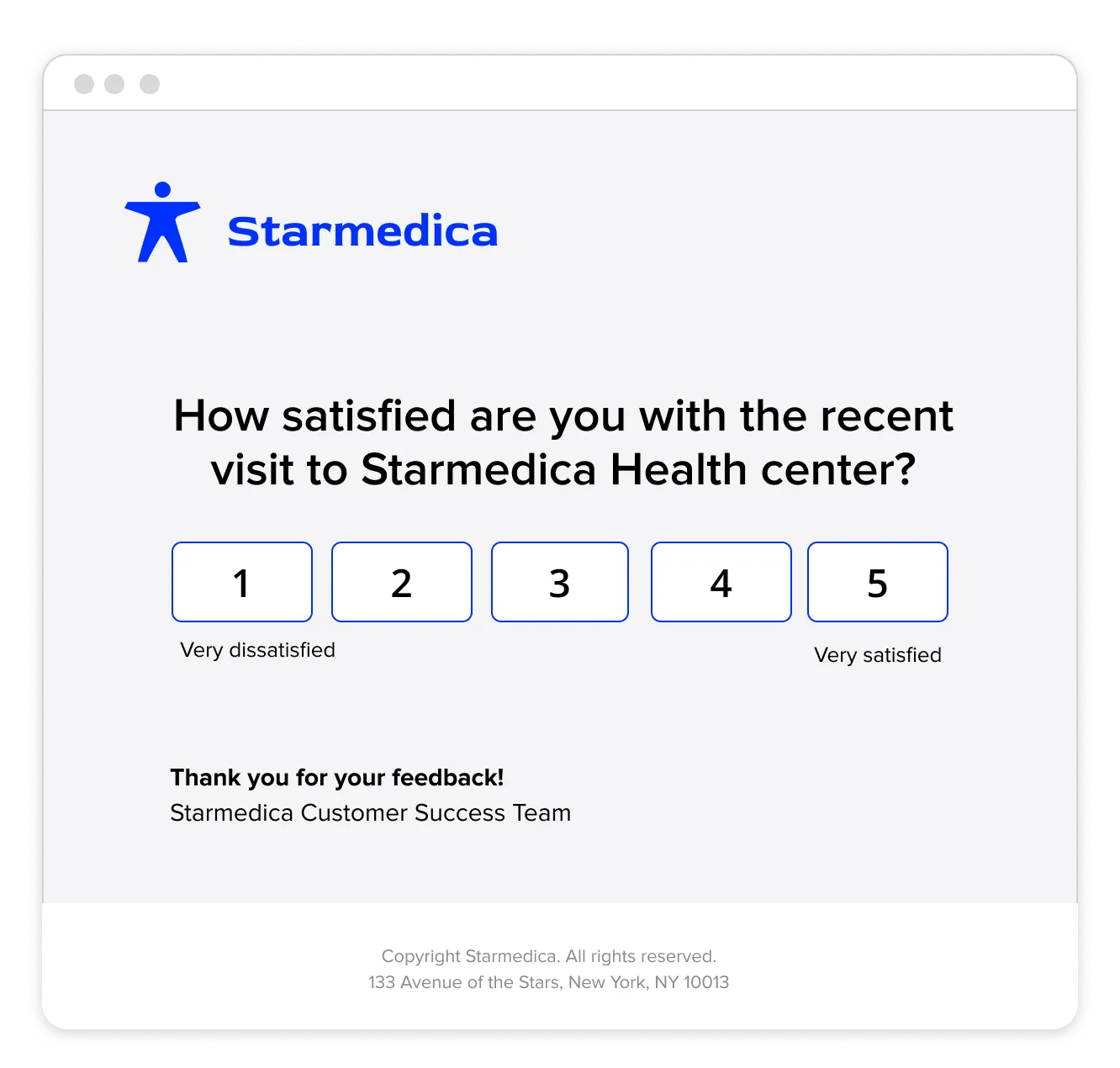
1. CSAT 1-5 rating scale
A numbered 1-5 scale is the classic CSAT format: fast to answer, easy to benchmark, and clear to report. Use it right after a purchase, delivery, or support interaction.
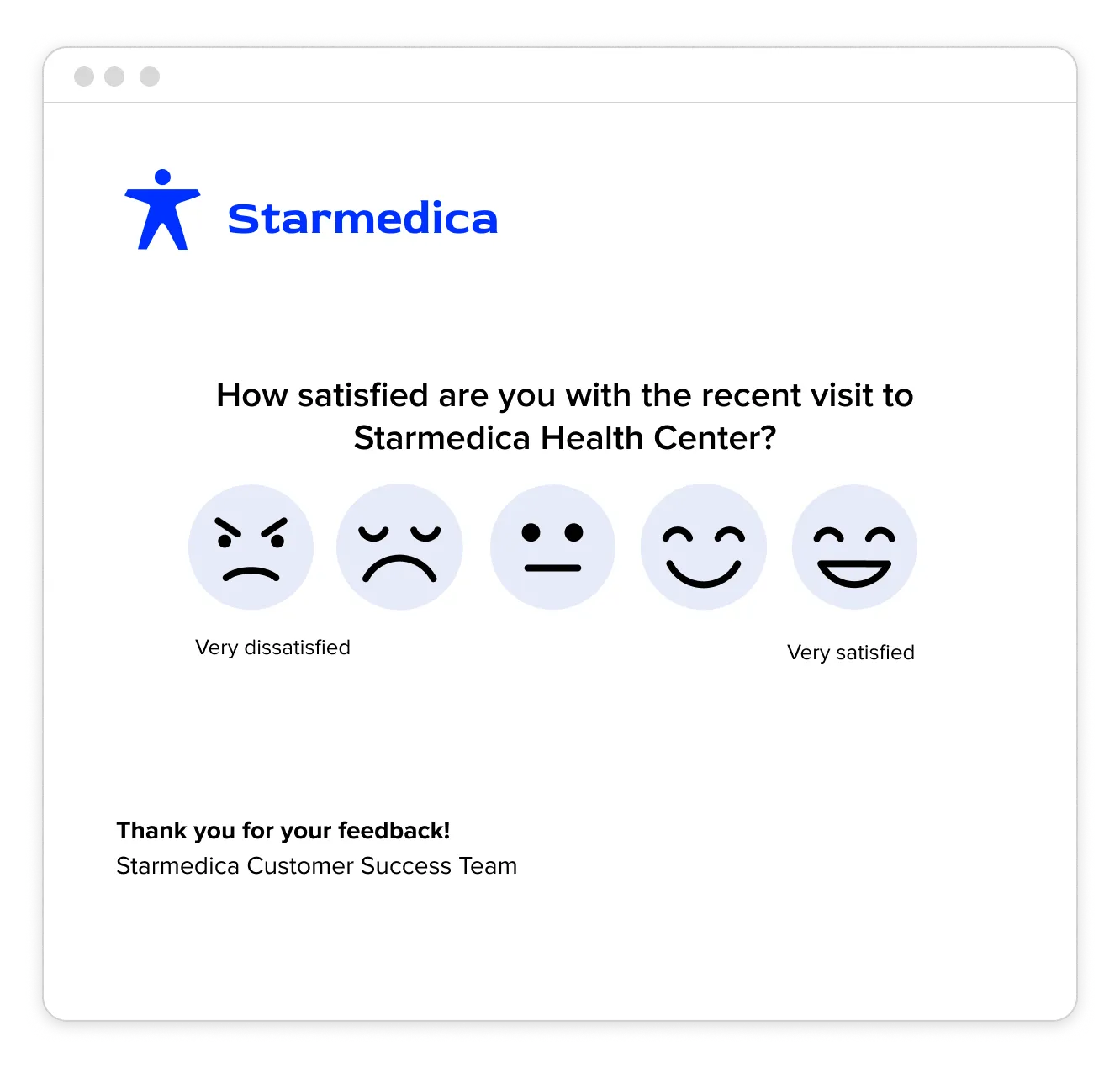
2. Smiley / emoji rating
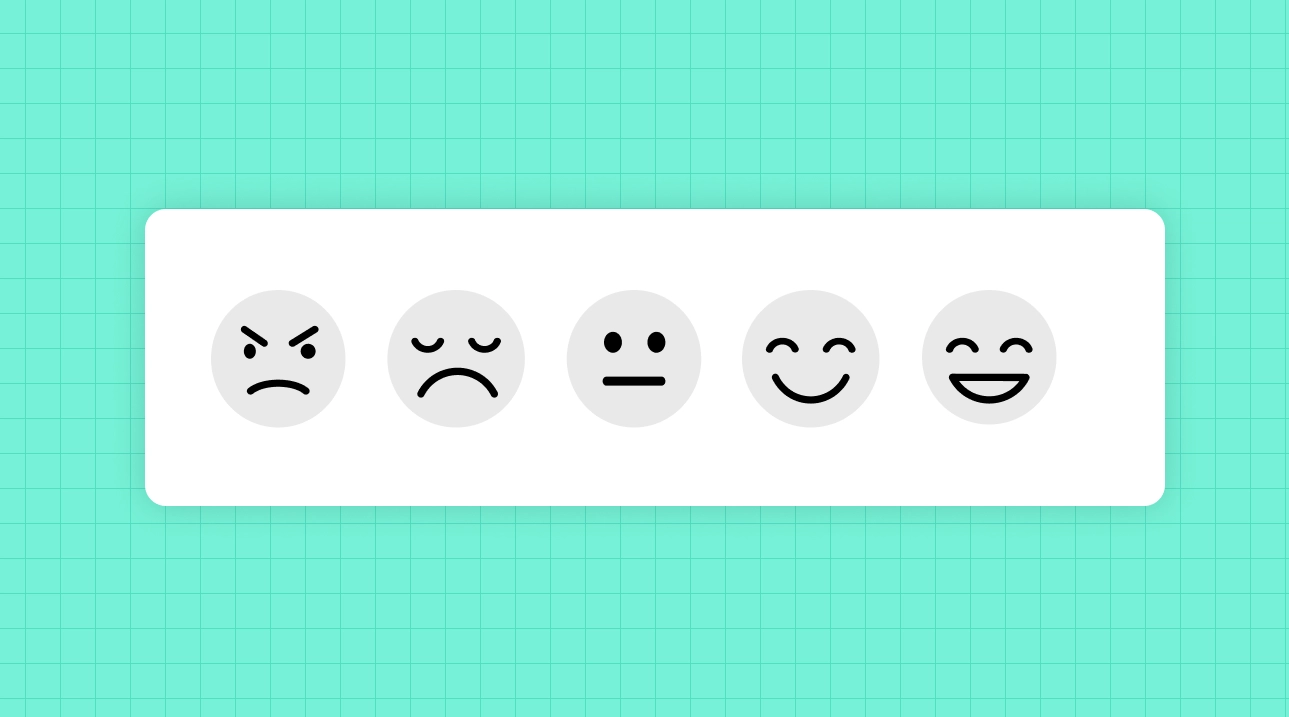
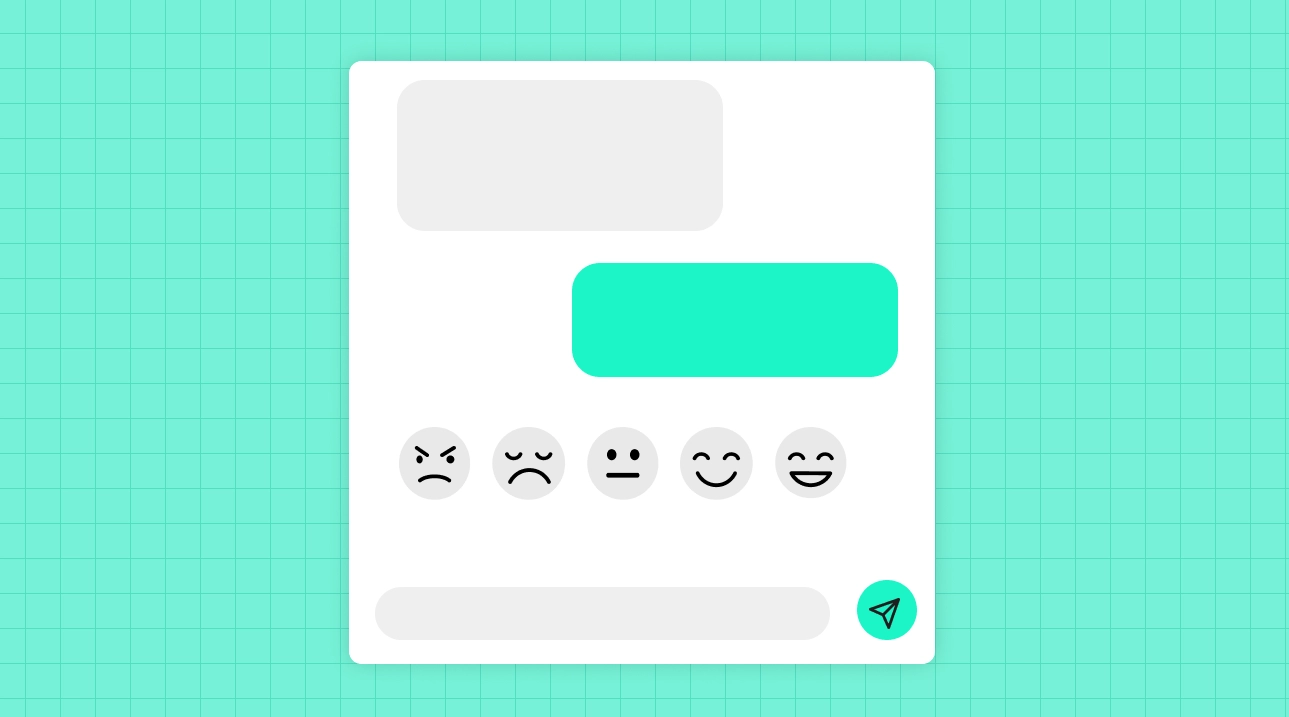
A smiley scale lowers the cognitive load even further and works brilliantly in healthcare, retail, and consumer apps where a friendly tone fits. The faces communicate sentiment instantly, across languages.
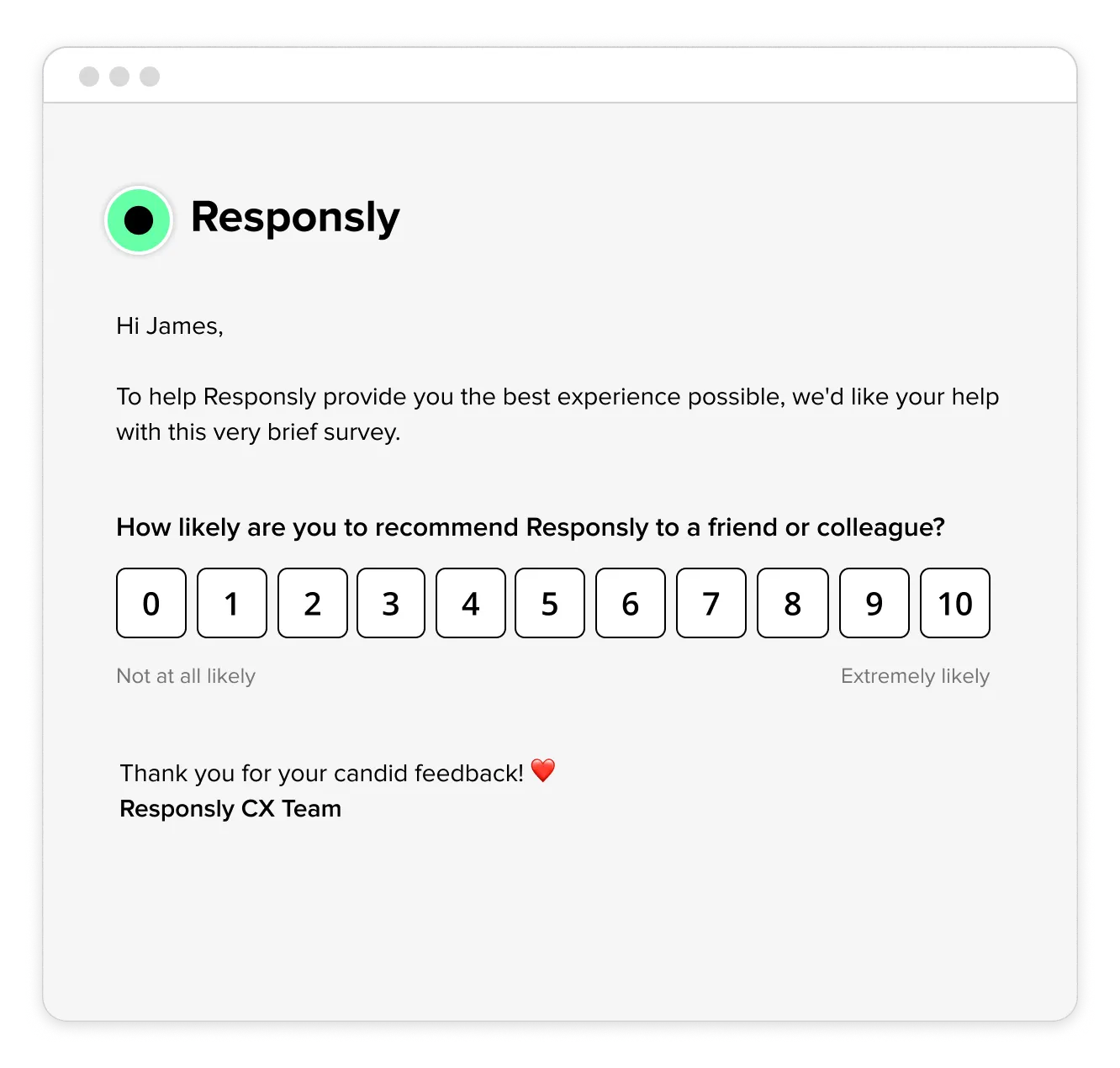
3. NPS 0-10 scale
To measure loyalty and referral likelihood, embed the Net Promoter Score question — “How likely are you to recommend us?” — as a 0-10 scale. Best sent 7-14 days after purchase or onboarding, once the customer has real experience to judge.
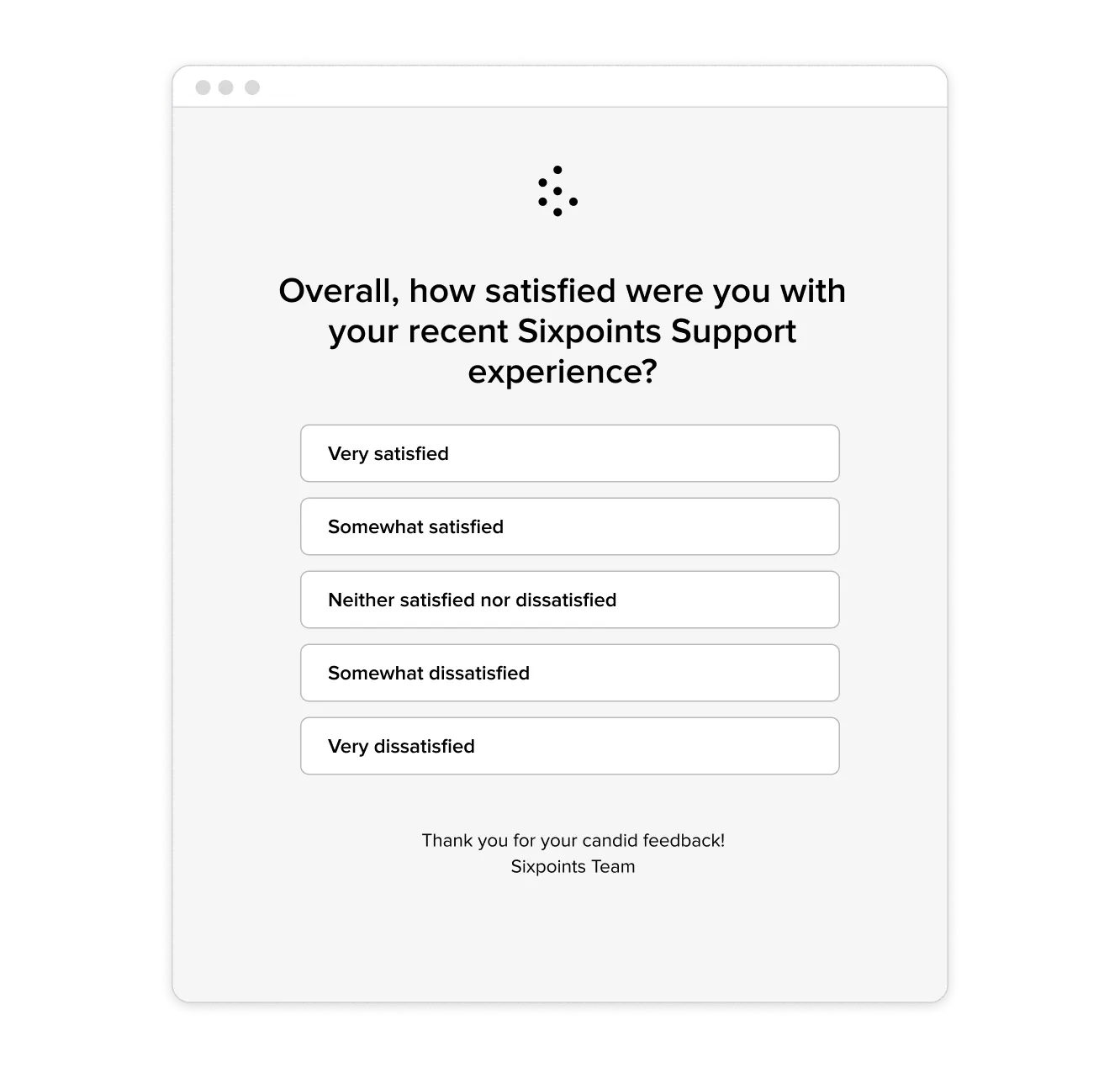
4. Multiple-choice list
When you want a labeled choice rather than a number — for example, satisfaction with a support experience — a vertical multiple-choice list is clearer and more accessible on mobile.
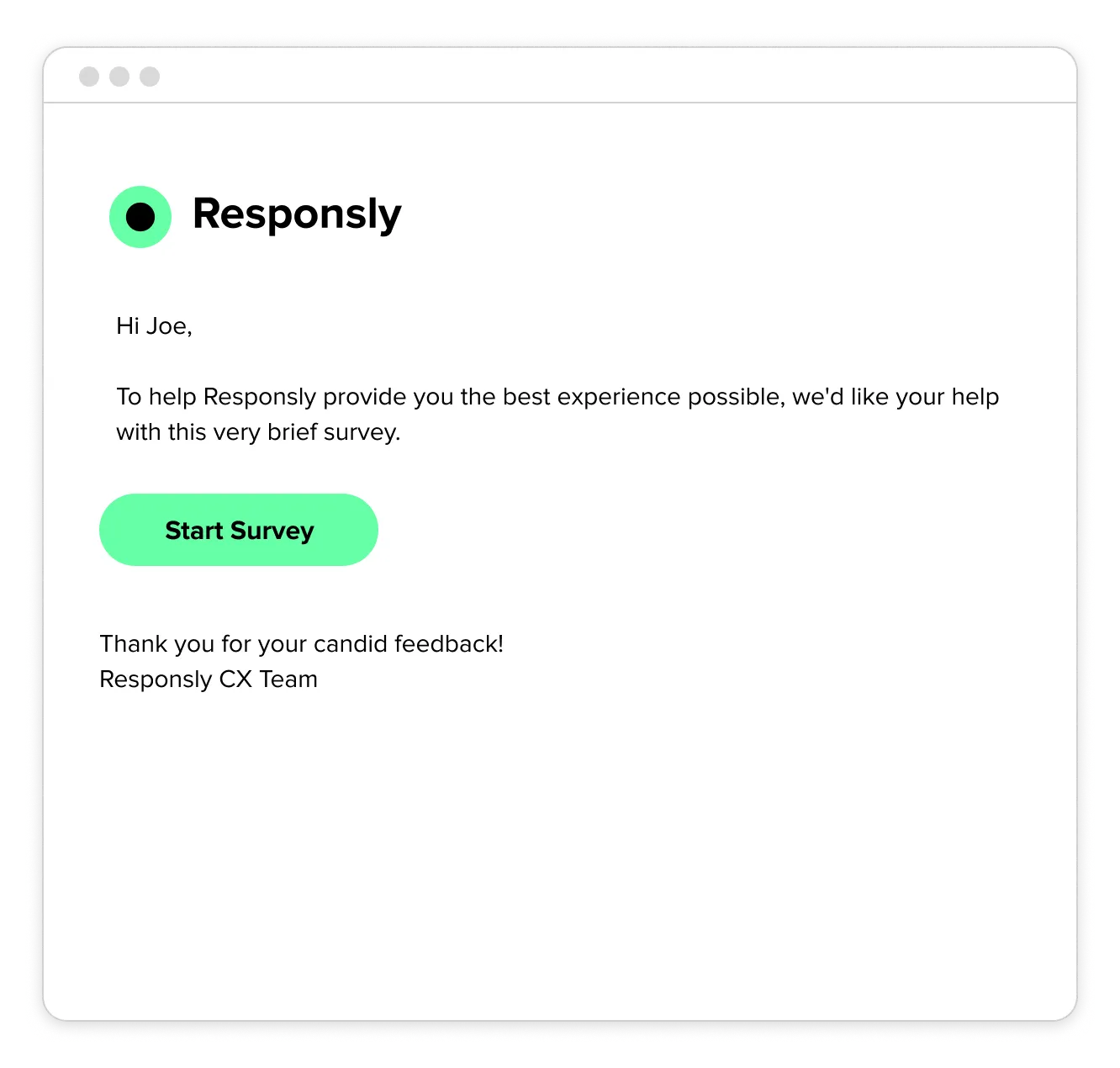
5. Survey invite with a CTA button
Sometimes you can’t (or shouldn’t) embed a question — for longer surveys, win-back campaigns, or review requests. A clean invite with a single, prominent button keeps the focus on one action.
Customer feedback email types by use case
Each feedback email fits a specific moment in the customer journey. Match the type to the moment to maximize both response rate and insight quality.
| Email type | When to send | What it measures | Best embedded format |
|---|---|---|---|
| NPS | 7-14 days after purchase or onboarding | Loyalty and referral likelihood | 0-10 scale |
| CSAT | 24-48 hours after delivery or interaction | Satisfaction with a specific experience | 1-5 or smiley scale |
| Customer service feedback | Right after a ticket or chat closes | Support speed, clarity, helpfulness | 1-5 scale |
| Customer Effort Score (CES) | Within 1-3 days of a key task | How easy it was to complete an action | Labeled scale / list |
| Product feedback | After a feature is used | Feature value and gaps | Multiple choice + open text |
| Churn / win-back | 30-90 days after inactivity | Reasons for churn, re-engagement intent | CTA button to survey |
| Review request | After a positive milestone | Willingness to advocate publicly | CTA button |
Tip: Use this table when planning automated flows. Triggering the right email at the right moment beats batch-sending the same generic survey to everyone.
5 customer feedback email templates
Want a ready-to-send version of any of these? Build it with the free Customer Feedback Email Generator, embed the first question, and copy the HTML into your tool. Swap the bracketed fields and CTA button for your own survey link.
1. Post-purchase feedback — “Tell us about your experience”
Subject: How did we do? Share your thoughts!
Body: Thank you for choosing [Product/Service Name]! Your feedback helps us improve and provide you with better experiences. It’ll only take 2 minutes to share your thoughts. We truly value your opinion!
CTA button: [Leave Feedback]
2. Service feedback — “Help us serve you better”
Subject: How was your recent experience with [Company Name]?
Body: We hope you had a great experience with our [service/support team]. Could you take a moment to let us know how we did? Your feedback means the world to us and helps us serve you better!
CTA button: [Give Feedback]
3. Event feedback — “Thanks for attending”
Subject: Let us know your thoughts about [Event Name]
Body: We loved having you at [Event Name]. We’d appreciate your feedback to help us improve future events. Share what you loved or what we can do better. Your input makes a difference!
CTA button: [Provide Feedback]
4. Product improvement feedback — “We’re listening”
Subject: What do you think of [Product Name]?
Body: We’re committed to providing you with the best experience. Tell us what you think about [Product Name] and how we can improve it for you. Your opinion helps shape our future updates!
CTA button: [Share Your Feedback]
5. General feedback request — “We’d love to hear from you”
Subject: Your feedback matters to us!
Body: At [Company Name], we’re always striving to get better. Share your thoughts about your experience with us. It won’t take more than a minute, and your feedback helps us grow!
CTA button: [Leave Feedback]
For help wording the questions inside the survey, see our guides to the best customer satisfaction survey questions and how to ask good survey questions.
Real-world customer feedback email examples
Templates are a starting point — seeing how established brands ask for feedback shows what works in the wild. Here are three customer feedback emails worth borrowing from.
Airbnb — embedded NPS, sent at the right moment
Airbnb embeds a full 0-10 NPS scale right in the email after a support interaction, with a personalized greeting and a one-line reason for asking (“It’ll only take 1 minute”). The respondent commits with a single click before reaching the rest of the survey.
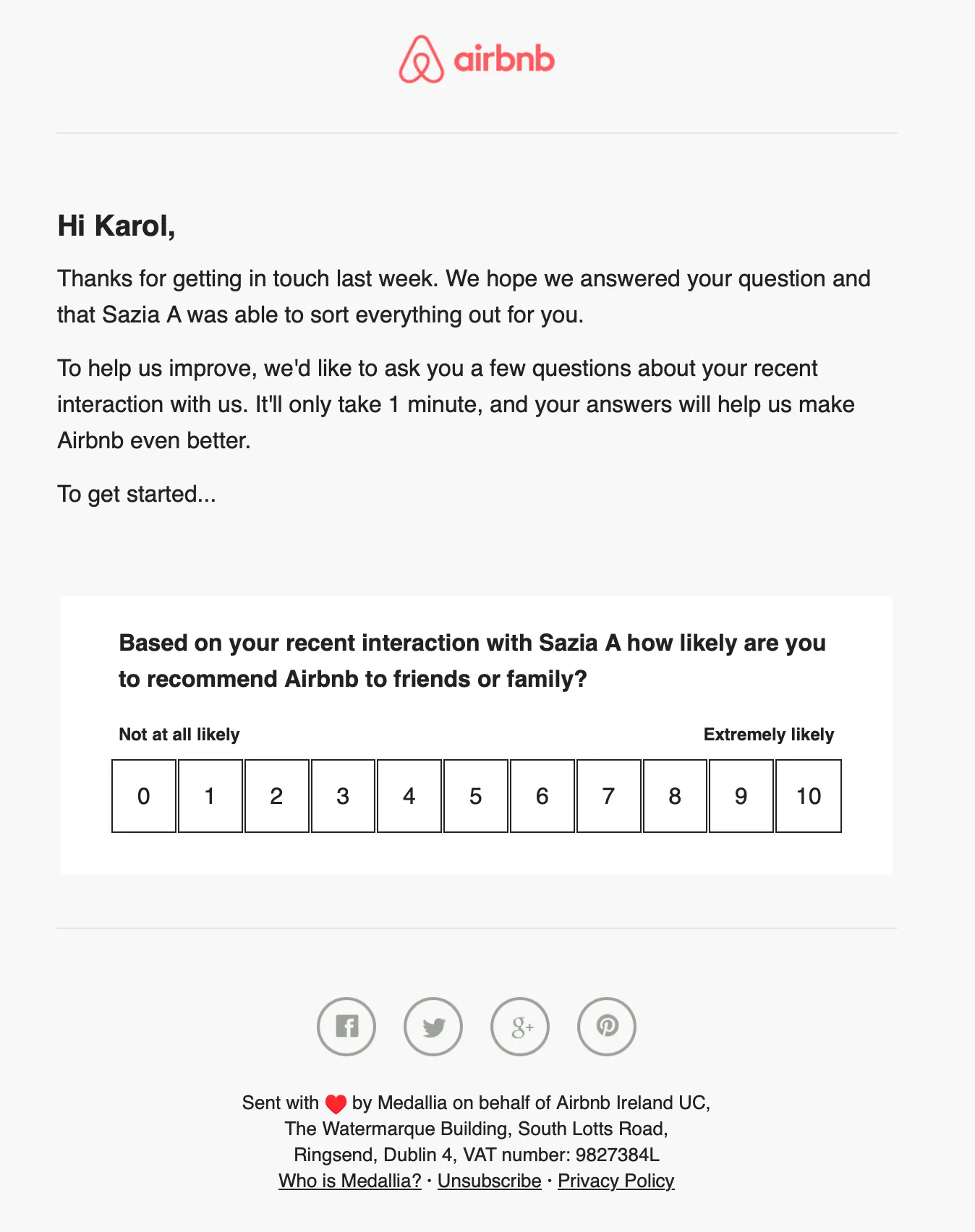
What to borrow: the embedded first question, the personalized opener, and the explicit time estimate.
National Express — strong branding and an incentive
National Express pairs a clear “Have your say” CTA with bold branding and a tangible incentive (a chance to win a £100 voucher). Tying the request to a specific journey makes it feel relevant rather than generic.
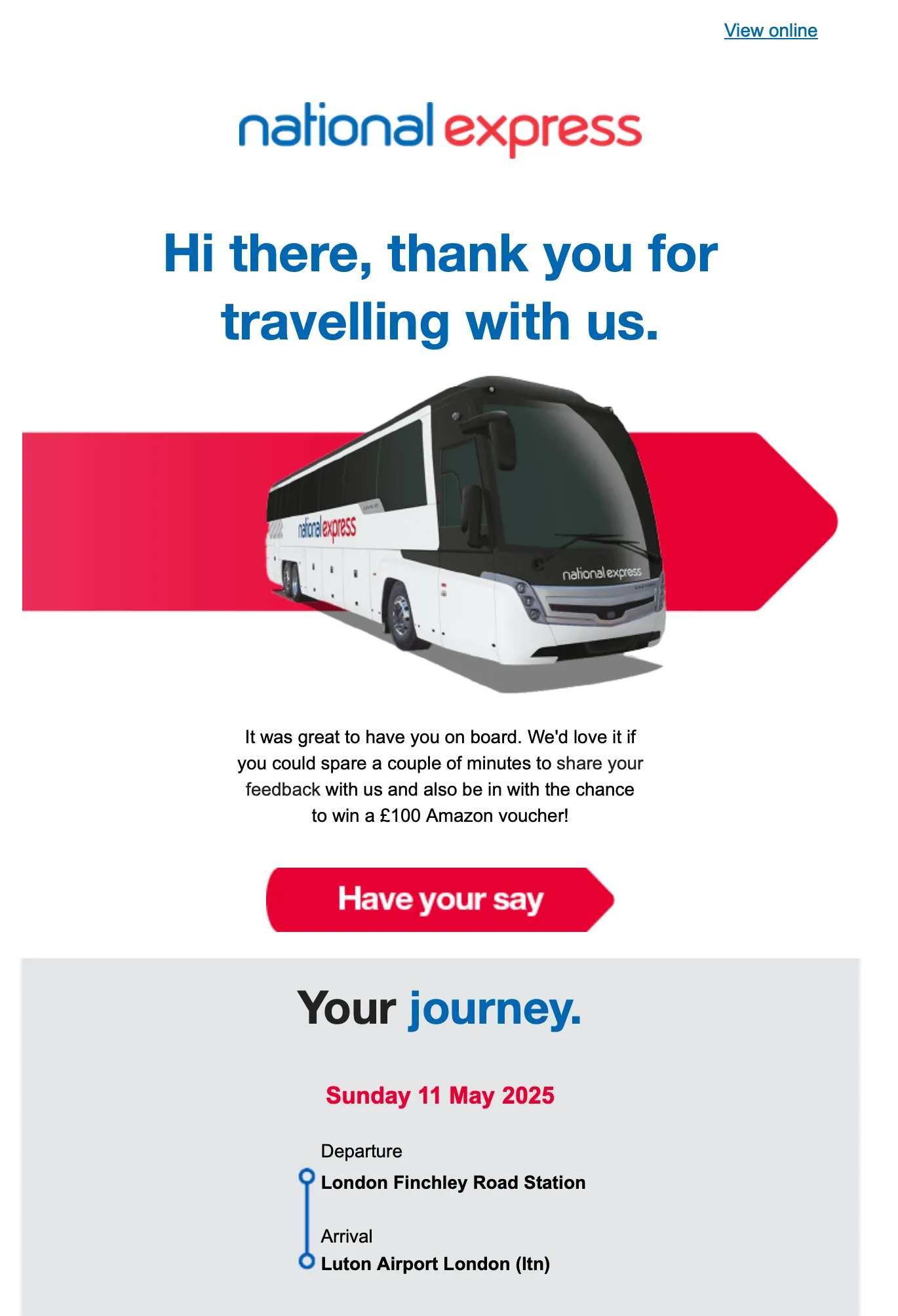
What to borrow: reference the specific transaction, and use a modest incentive for relationship surveys (skip it for fast transactional ones).
Notion — a focused single-CTA invite
Notion keeps it simple: a short context line, a product screenshot for clarity, and one blue “Start survey” button. When a survey is longer than a single question, this focused invite format is the right call.
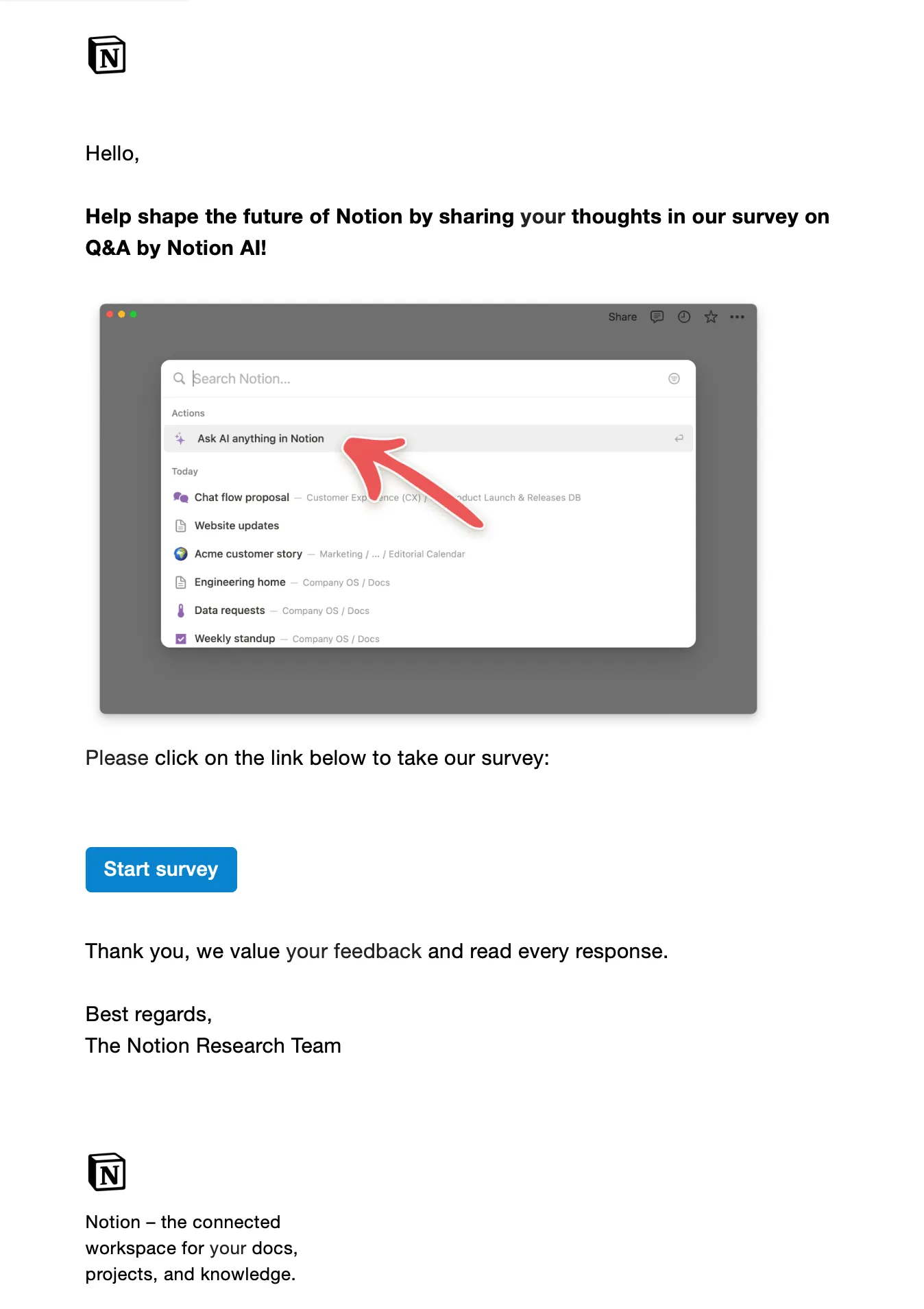
What to borrow: one clear action, minimal copy, and a visual that clarifies what the survey is about.
Best practices to improve response rates
- Embed the first question. Every extra click costs responses. Let customers answer the opening rating in the email itself.
- Personalize beyond the first name. Reference the product, order number, or interaction.
- Keep it to one core question. Add an optional open-text follow-up for context, but don’t overload the email.
- Send while it’s fresh. Surveys sent more than 24 hours after an interaction see far lower, less accurate responses.
- Optimize for mobile. Most opens happen on phones — use large tap targets and a single-column layout.
- Follow up once. A single reminder 3-5 days later to non-responders can meaningfully lift completions; more than that hurts the relationship.
- Close the loop. Route low scores to the right team and tell customers what changed. A visible closed feedback loop turns detractors into repeat buyers.
How Responsly helps you send better feedback emails
Responsly is an AI-powered customer feedback platform built to collect non-annoying feedback across every channel your customers use. For feedback emails specifically, that means:
- Embedded first questions — CSAT, smiley, NPS, multiple choice, or a CTA — captured straight from the inbox, with partial responses saved.
- Omnichannel distribution — extend the same survey to SMS, WhatsApp, website, and QR codes from one place.
- Ready-made templates — start from our customer feedback templates instead of a blank page.
- AI analysis with Athena — automatically theme open-ended answers, surface patterns, and flag churn risk in your feedback analytics.
- Integrations and automation — trigger the right survey on the right event and sync responses to your CRM.
To build your email without signing up, use the free Customer Feedback Email Generator, or create a Responsly account to send, track, and analyze at scale.
Summary
Effective customer feedback emails share a simple formula: a sharp subject line, a personalized opener, and — above all — an embedded first question that lets the customer respond in one click. Match the email type to the moment (CSAT after delivery, NPS after onboarding, win-back after inactivity), borrow what works from brands like Airbnb and National Express, and always close the loop. Start from a template, embed the right question type, and you’ll gather more — and more useful — feedback. For the next step, explore our post-purchase survey guide and the latest customer experience trends.
FAQ
What is a customer feedback email?
How do I increase response rates on feedback emails?
When should I send a customer feedback email?
What question types can I embed in a feedback email?
Do I need a tool to send customer feedback emails?
Tagged in
Last updated