A choice question lets respondents pick from a predefined list of answers—single choice, multiple answers, or a simple yes / no. In Responsly you add one from the question types panel and configure how answers behave from the settings on the right. This guide covers adding a choice question and using its options; for the underlying concept and when to use them, see closed-ended questions and multiple-choice questions.
Add a choice question in Responsly
- Open your survey, form, or quiz in the editor.
- Click Add question and choose the Choice question type.
- Type your question and enter each answer option on its own line.
- Open the settings panel on the right to turn on the options below.
Choice question settings
The right-hand panel controls how the choice question looks and behaves:
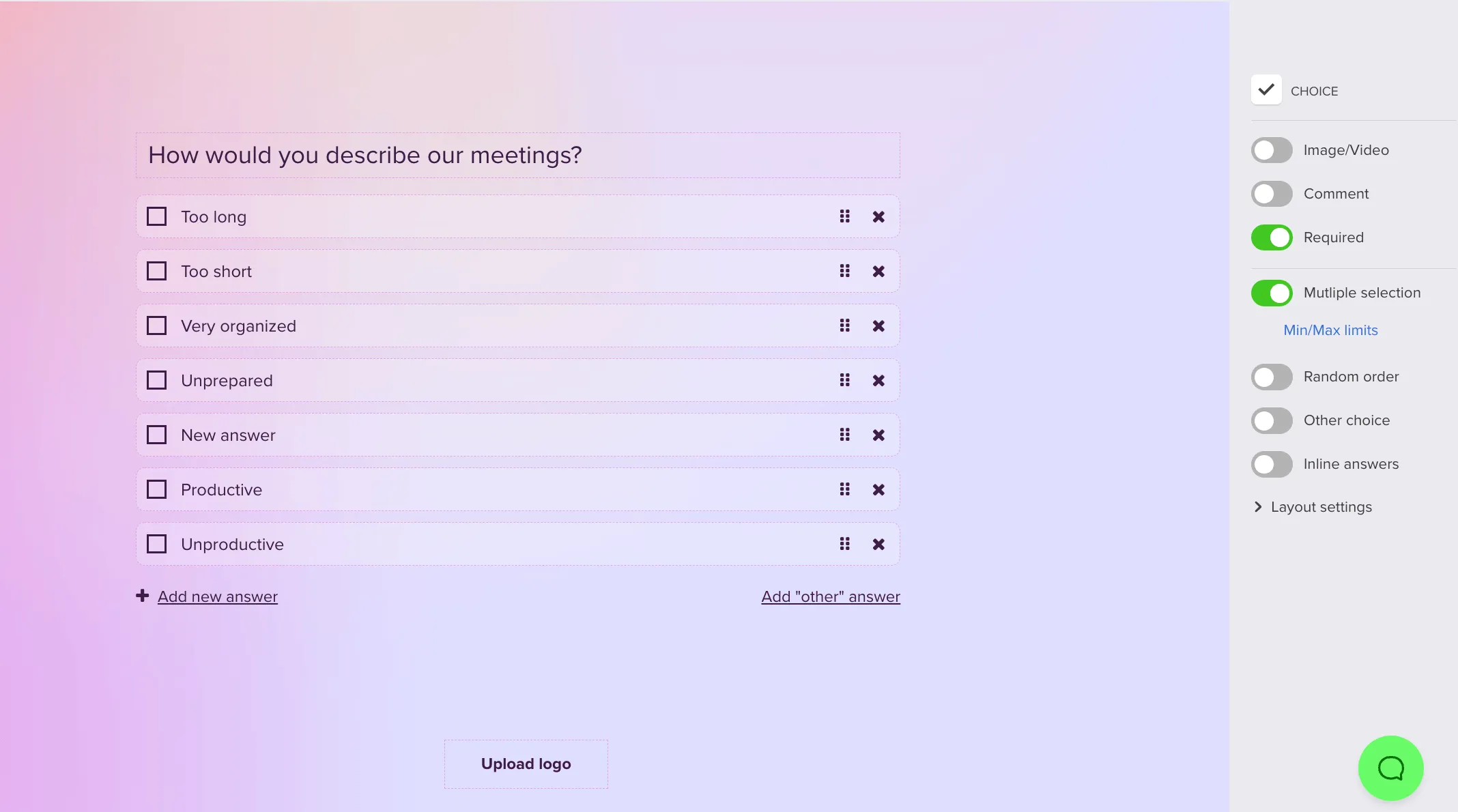
- Multiple answers – let respondents select more than one option, with optional min/max limits.
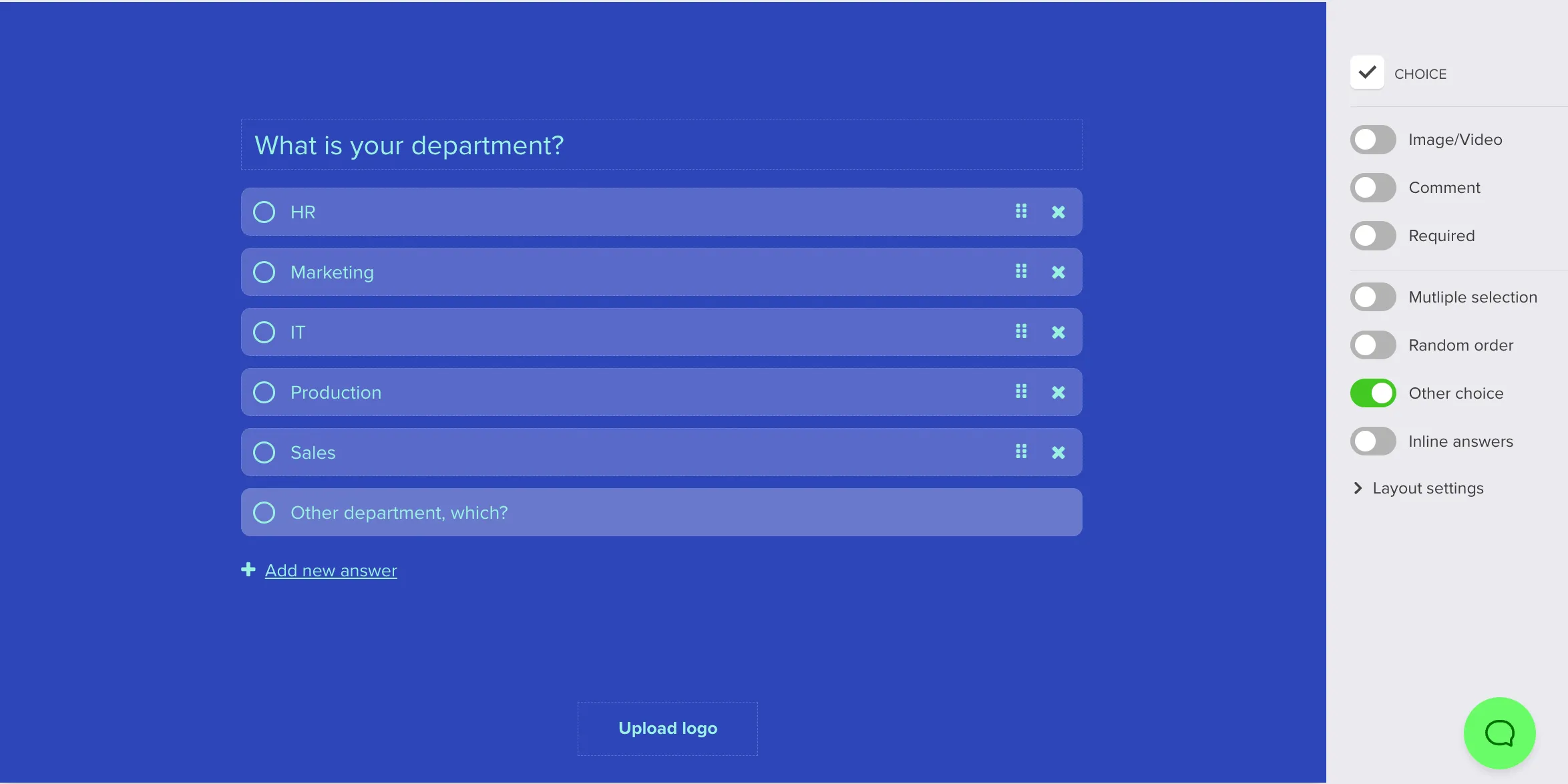
- Other option – add an open field so respondents can type an answer that isn’t on your list.
- Inline answers – display options next to each other instead of stacked.
- Random answer order – shuffle option order per respondent to reduce position bias (see random order of questions and answers).
Add an “Other” open option
Use Other when your list might miss real-world answers—it keeps the structured, quantitative data of a closed question while capturing context in the respondent’s own words.
- Enable the Other choice option in the right-hand panel.
- Optionally add a label so respondents know where to type their own answer.
If you need a full open response instead, use a free-text question.
Choice question variants
The same choice question type covers several common formats:
- Single choice – one answer only; the most common closed format.
- Multiple choice / checklist – several answers from the list (turn on Multiple answers).
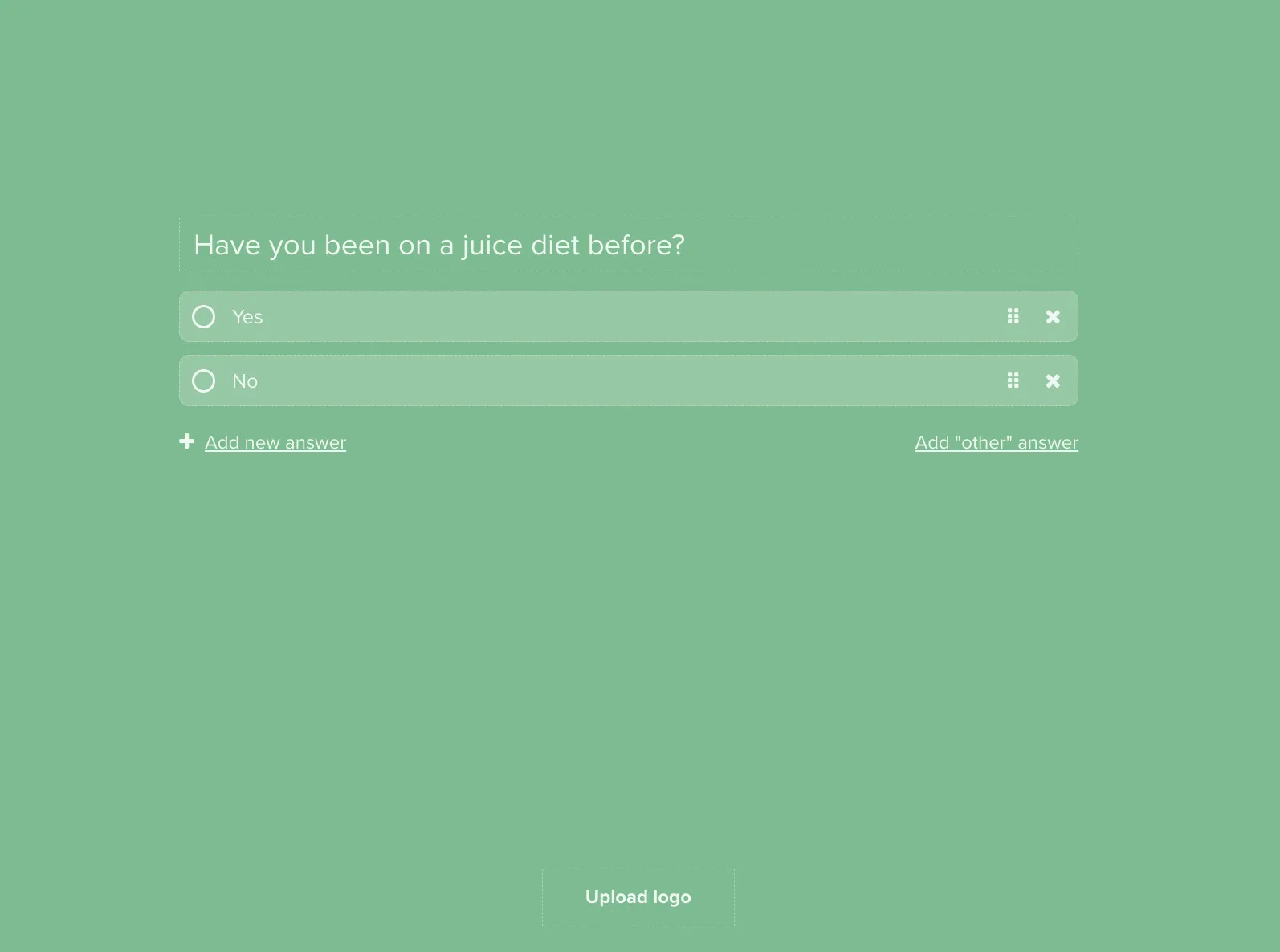
- Dichotomous (yes / no, true / false) – exactly two options; fast to answer.
For rating attitudes across several statements on one shared scale, use a matrix question instead; for a single 1–5 style rating, use a numerical scale question.
Analyze choice answers
Because choice questions produce structured data, results are easy to chart and compare. To see how answers to two closed questions relate (for example satisfaction by segment), build a cross-tabulation, and mark critical picks as required so segments stay based on complete data.