SMS surveys

SMS surveys people answer straight from their messages

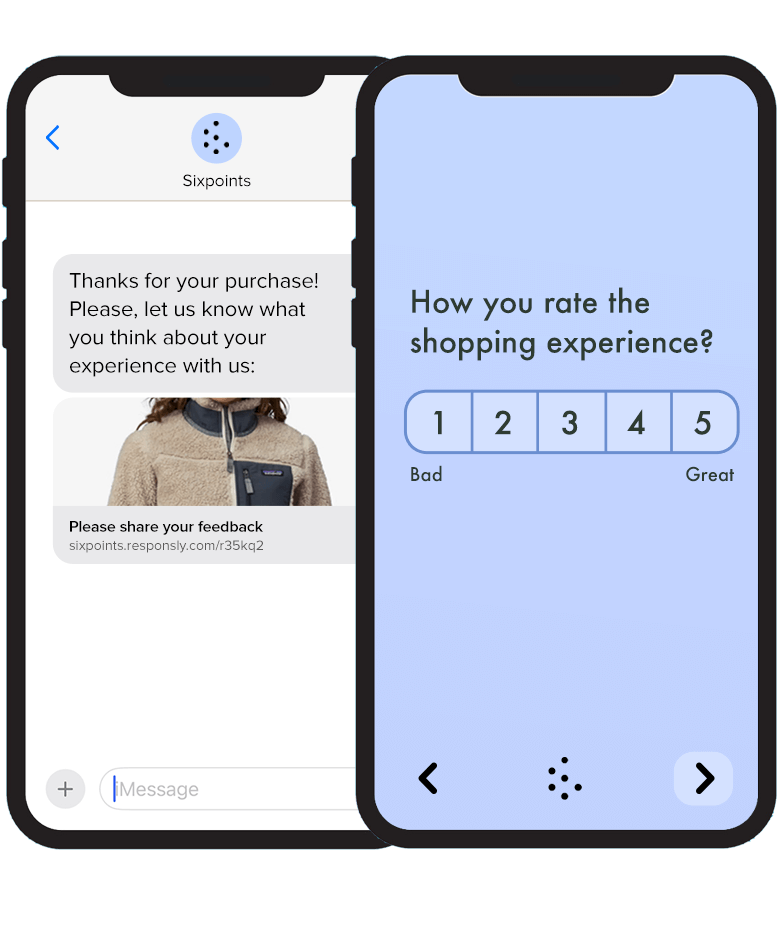
A text needs no app, no inbox and no login — and most people reply within minutes of receiving it.
SMS survey delivered as a text message on a phone
15+ years on the market, trusted by 1,000+ organisations around the world to collect feedback and bring valuable insights
  1. Red Bull
  2. Schindler
  3. Bayer
  4. Booksy
  5. KraftHeinz
  6. Danone
Why SMS

A text lands where every other channel struggles

Reaches every phone

No smartphone, no data plan and no account needed. If the number receives texts, it receives your survey.

Answered in minutes

Texts get read almost immediately, so you collect feedback while the visit, delivery or call is still fresh.

One tap or no tap at all

Send a short link to the full survey, or run the whole thing inside the message thread with replies like 1–5.

When to use it

Moments where a text beats an email

  • After a visit or a service call

    Ask about the appointment, the technician or the shop while the customer is still on the way home.

  • After a delivery

    Trigger the survey when the parcel is marked as delivered and catch problems before a review appears.

  • Field teams and shift workers

    Reach drivers, warehouse crews or technicians who never open a company inbox during their shift.

  • Reminders for unfinished surveys

    Follow up by text with the people who did not answer your email, without sending a second email.

  • NPS and CSAT after a purchase

    Run NPS, CSAT or CES by text and watch the score trend by store, route or agent.

  • Customers with no email address

    Retail, healthcare and services often hold a mobile number only — SMS is the one channel you can rely on.

No link, no browser

Run the whole survey inside the message thread

If you do not want respondents to leave their messaging app, send the survey as plain text. You ask a question, they reply with a number, and follow-ups and the thank-you message go out automatically.

  • No link to tap and no form to fill in

  • Works on every phone, with no internet connection

  • Higher completion rates than a web survey opened from a text

  • Automatic follow-up questions and thank-you message

  • Answers land in the same reports as your other channels

R
Responsly
SMS
How would you rate your last experience with us?

Reply: 1 Very bad  ·  2 Bad
3 OK  ·  4 Good  ·  5 Excellent
4
Great, thank you! 😊 Could you tell us a bit more about your experience?
The team was helpful, shipping just took a bit longer than expected.
Thank you for your feedback! We really appreciate it and will use it to improve. 🙏
Message
Sending and follow-up

Personalised sends, reminders and delivery reports

Build the questionnaire once in the survey maker, then import a list or trigger a text straight from your CRM through our integrations. Every message can carry a name, an order number or a visit date, and the short link keeps it inside a single SMS. The same questions can also go out by email, on WhatsApp or as a shareable link.

  • Your brand as the sender name instead of a random number

  • Merge fields for names, orders, bookings and visit dates

  • Scheduled sends and quiet hours, plus international numbers

  • Reminders only to the people who have not answered yet

  • Opt-outs and STOP replies handled automatically, consent on record

  • Delivery reports per campaign, next to your response data
See all distribution channels
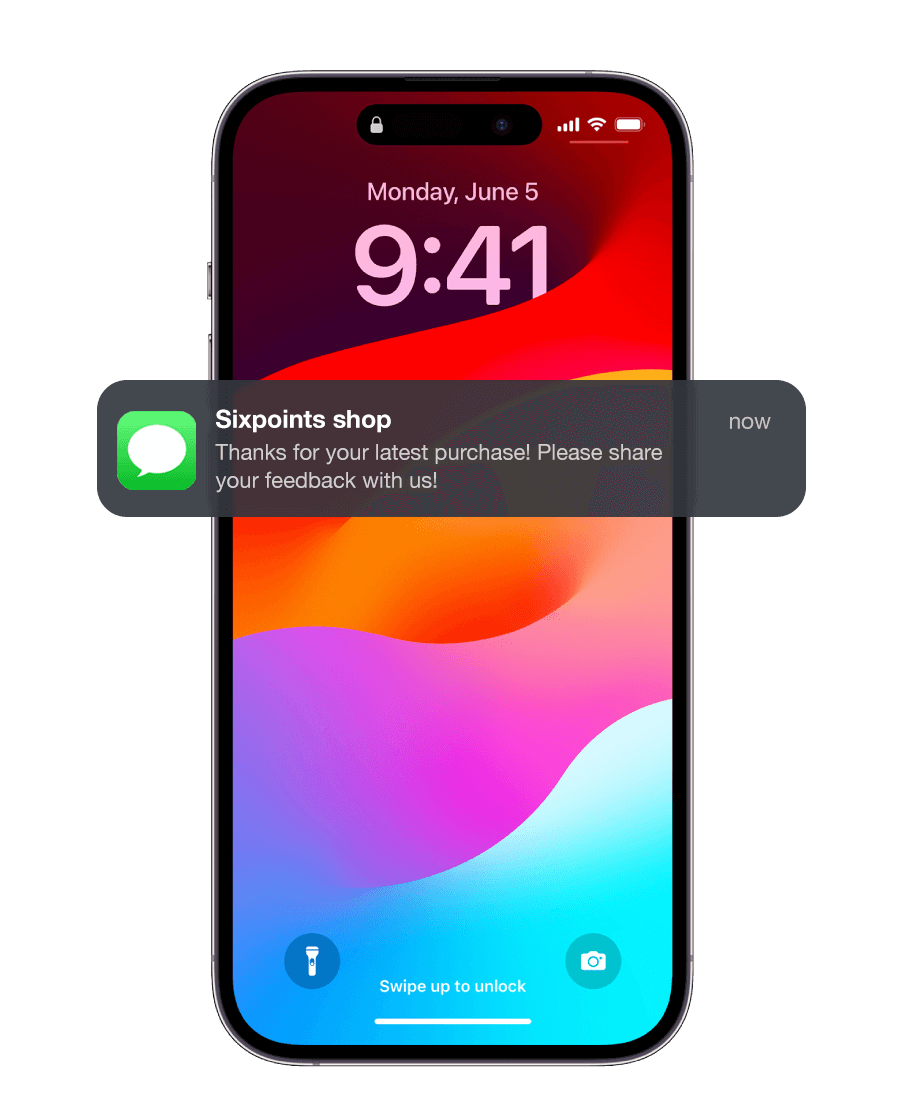
Delivery report and SMS notification on a phone
Responsly platform help us get to know our customers better and increase the quality of our services.
Schindler

Aneta Pezda

Internal Communication Specialist

Walkthrough

See SMS survey distribution in action

SMS survey features

Start for free

Send by SMS

A text reaches people without an app, an inbox or a login

Short links

Links get shortened so the message stays within one SMS

Personalised messages

Insert a name, an order number or a visit date

Recipient lists

Import numbers from a file or your CRM and reuse them later

Scheduled sending

Send at a sensible hour, not the moment the export finishes

Reminders

Follow up only with the people who have not answered

Custom sender name

Your brand shows up as the sender instead of a random number

Delivery reports

See what was delivered and what bounced, per campaign

International numbers

Reach recipients abroad with the same campaign

Consent and STOP

Opt-outs handled automatically, with consent on record

Integrations

Trigger a text from your CRM, helpdesk or your own webhook

Response reports

SMS results land in the same dashboard as every other channel

SMS Surveys FAQ

How does the SMS Surveys work?

Creating an SMS survey is super simple. Just follow these steps:

1. Create the survey.
2. Add questions to the survey.
3. Customize the survey's appearance.
4. Send the survey via SMS.
5. Track the results of your survey.

Alternatively, you can use our AI generation feature to automatically create surveys. Simply provide the topic or content, and the AI will generate relevant questions for you.


How do you add questions to the SMS Survey Maker?

To add questions to the SMS Survey Maker, select the 'Add question' button within the survey creation tool. From there, you can input the question and possible answer choices, as well as designate the correct answer. There are 25+ question types available to choose from. Alternatively, you can use our AI generation feature to automatically create surveys. Simply provide the topic or content, and the AI will generate relevant questions for you.

Do I need a phone number to send an SMS survey?

Yes, you need a phone number to send an SMS survey. But onboarding is super simple via our platform.

How can I customize the appearance of my SMS survey form?

Customizing the appearance of your SMS survey form is easy. You can add your brand logo, colors, and images to make your survey look professional and trustworthy. This helps to increase response rates and engagement. You can also add a personalized message to the survey to make it more engaging.

Can I track the results of my SMS surveys?

Definitely! Our platform offers a powerful analytics dashboard, letting you track both individual user results and aggregate scores. Gain insight into the effectiveness of your SMS surveys, make data-driven decisions, and drive engagement.

Can I send an SMS survey without a link?

Yes. You can run the entire survey inside the message thread: you send a question, the respondent replies with a number or a short answer, and follow-up questions and the thank-you message go out automatically. Nothing opens in a browser, so it also works on phones without a data plan.

How can I increase the response rate of an SMS survey?

Send within minutes of the event you are asking about, keep the message under 160 characters, use the recipient's name and say how long the survey takes. Set your brand as the sender name, use a shortened link and send one reminder to the people who have not answered. Two or three questions usually beat a long questionnaire — a single-question NPS or CSAT survey is the safest place to start.

Do I need consent to send survey text messages?

Yes — marketing and research messages require the recipient's consent, and every message must let people opt out. Responsly records consent with your contacts, handles STOP replies automatically and removes opted-out numbers from later sends. See our security and privacy page for how the data is processed.

Can I send SMS surveys to international numbers?

Yes. One campaign can include numbers from different countries, and the survey itself can be translated so each recipient answers in their own language. Delivery reports show what was delivered per country and per campaign.

Can I trigger an SMS survey automatically from my CRM?

Yes. Use one of our integrations or a webhook to fire a text after an order, a delivery, a closed ticket or a completed visit. You can also schedule sends and set quiet hours so nobody gets a survey at night.

Should I use SMS, email or WhatsApp for my survey?

Use SMS when you only have a phone number, when speed matters or when your audience does not read email during the day. Use email surveys for longer questionnaires and lower cost, and WhatsApp surveys when you want a branded, two-way conversation. You can build the survey once and distribute it through all three, plus a survey link — see all distribution channels.